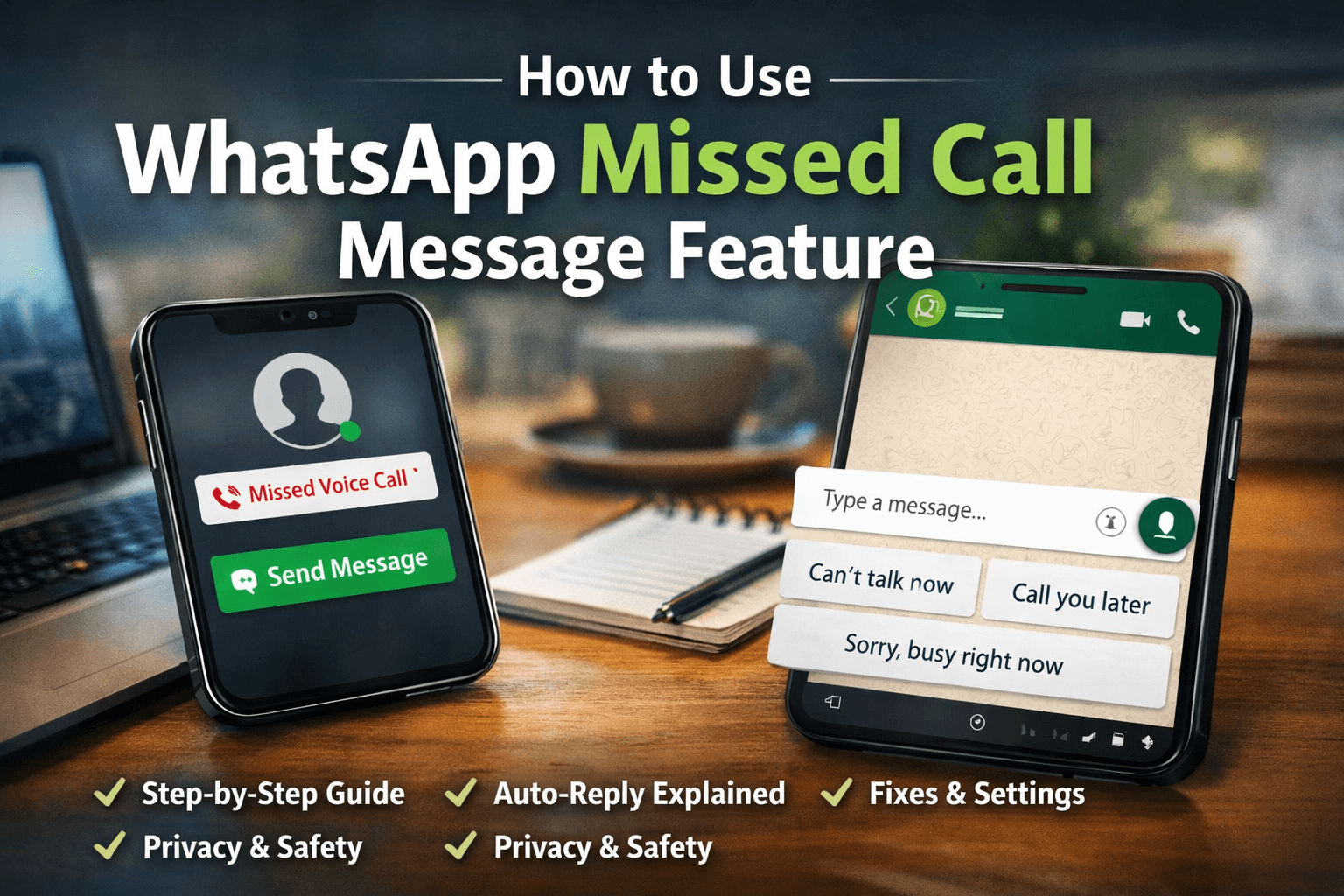
How to Use WhatsApp Missed Call Message Feature
12/28/2025 · 4 min read
This concludes the complete guide on how to use WhatsApp missed call message feature. Combined with the previous sections, this article provides a full understanding of the feature, from basics to advanced considerations, making it suitable for both beginners and experienced users
How to Use WhatsApp Missed Call Message Feature
A complete beginner-to-advanced guide explaining WhatsApp missed call message feature, how it works, whether it is an automatic reply, and why WhatsApp introduced it. This article is written for normal users who want a clear and practical explanation.
Blog Intent: Why This Guide Exists
This guide is created for users who have recently noticed the WhatsApp missed call message option and want to understand it properly. This is not a news update or a feature announcement. The goal of this article is to explain what the feature is, how it works internally, how it helps in real-life situations, and whether it is safe to use.
WhatsApp Missed Call Message Feature Kya Hai?
WhatsApp missed call message feature is an in-app communication shortcut that allows users to quickly send a message after missing a WhatsApp voice or video call. When a call is not answered and becomes a missed call, WhatsApp displays a message option so that the user can immediately respond without opening the chat manually.
The primary purpose of this feature is to reduce communication gaps caused by missed calls and to help users maintain polite and professional conversations even when they are busy or unavailable.
WhatsApp Ne Ye Feature Kyun Introduce Kiya?
WhatsApp introduced the missed call message feature after observing how users behave when they miss calls. Globally, millions of WhatsApp calls are missed every day due to meetings, work pressure, travel, sleep, or time-zone differences.
- Missed calls often lead to delayed or awkward communication
- Users feel pressured to call back immediately
- Manual replies take time and effort
- Professional users require quick and polite responses
WhatsApp Missed Call Message Feature Kaise Kaam Karta Hai
- A WhatsApp voice or video call comes to your phone
- The call is not answered and becomes a missed call
- WhatsApp detects the missed call event
- A message shortcut appears on the notification or chat screen
- The user sends a quick reply or custom message
WhatsApp Missed Call Auto Reply Explained
One of the biggest misconceptions about this feature is that it works like a fully automatic reply system. In reality, WhatsApp does not send any message automatically on behalf of the user. Instead, it provides quick reply suggestions that require user interaction.
This design choice is intentional and helps protect user privacy, prevent misuse, and avoid unwanted automated messages.
Real-Life Situations Where This Feature Is Useful
- Office meetings where calls cannot be answered
- Driving or traveling situations
- Students attending classes or exams
- Business owners handling customer calls
Step-by-Step: WhatsApp Missed Call Message Feature Kaise Use Kare
- Ensure that WhatsApp is updated to the latest version
- Receive a WhatsApp voice or video call
- Miss the call
- Tap the “Send Message” option
- Choose or type a custom reply
Android vs iPhone: Feature Availability and Behavior
Android Users
On Android devices, the missed call message feature is usually visible earlier. Users often see the reply option directly in the notification shade.
iPhone Users
On iPhones, the rollout is more gradual due to iOS notification restrictions. Users often need to open the chat to see the option.
Settings That Affect WhatsApp Missed Call Message Feature
- WhatsApp notifications must be enabled
- Call notifications should not be muted
- Do Not Disturb or Focus mode can delay suggestions
- Battery optimization should not restrict WhatsApp
Final Verdict: Should You Use This Feature?
WhatsApp missed call message feature is a practical and user-friendly update that improves communication without compromising privacy. It is especially useful for professionals, students, and business owners.